UX and UI are terms you'll encounter frequently in conversations about website design, and they're often confused with each other or used interchangeably when they actually refer to different things. Understanding both helps you make better decisions about your website and communicate more clearly with designers.
What Is UX Design?
UX stands for User Experience. UX design is the practice of designing digital products, websites, apps, software, so they're easy and satisfying to use. It's concerned with the overall experience a person has when interacting with a product: Can they find what they're looking for? Does the flow of pages make logical sense? Do they accomplish their goals without frustration?
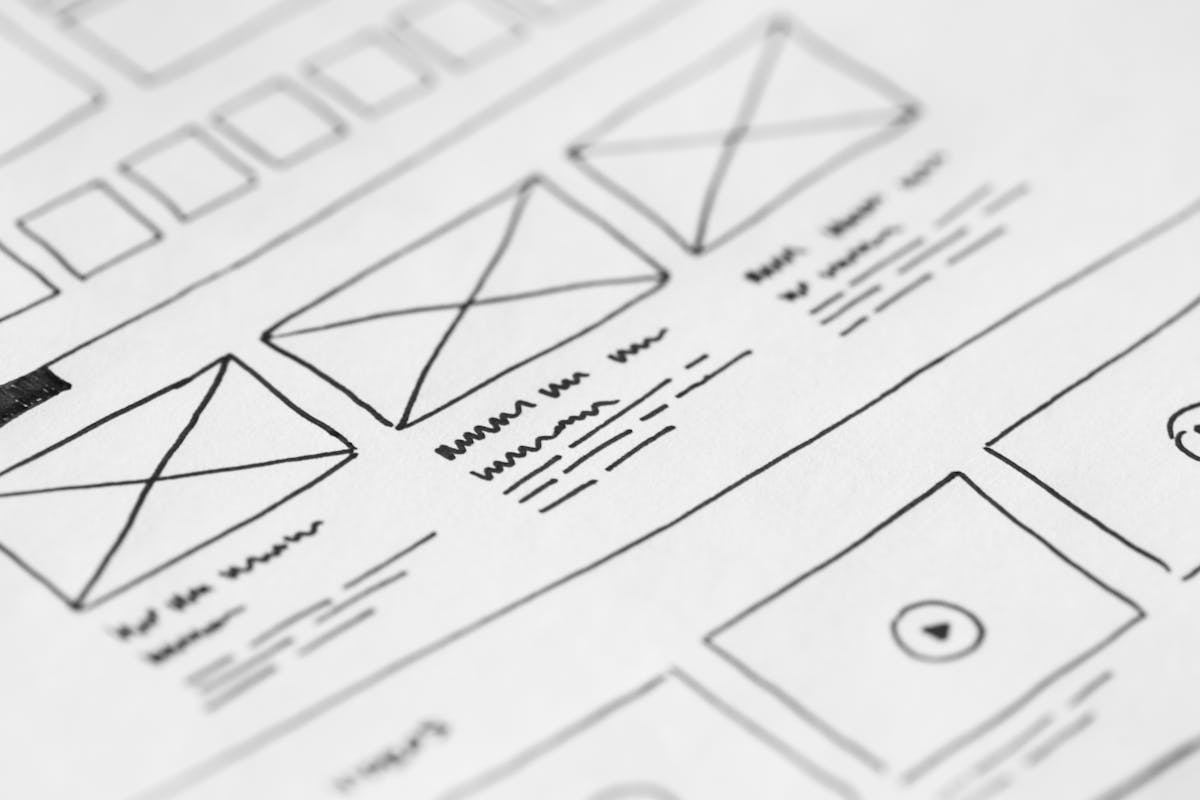
UX design involves research, testing, and iteration. A UX designer might study how users navigate a website, identify where they get confused or stuck, and redesign those sections to work better. The output of UX work is often wireframes (structural blueprints of pages) and user flows (maps of the paths users take through a website).
What Is UI Design?
UI stands for User Interface. UI design is the practice of designing the visual elements of a digital product, the colors, typography, buttons, icons, images, and layouts that users see and interact with. It's the aesthetic and visual layer that sits on top of the UX structure.
A UI designer takes a UX wireframe, which might be a simple box layout showing where elements go, and turns it into a visually appealing, brand-consistent design. UI design is closer to graphic design in its skills and outputs.
How They Work Together
The classic analogy: UX is the architecture of a building (how the rooms are arranged, where the doors and corridors go, how people flow through the space), and UI is the interior design (the colors, materials, furniture, and aesthetic that make it beautiful and pleasant to be in).
Both matter. A website with excellent UI but poor UX looks beautiful but is frustrating to use. A website with excellent UX but poor UI works logically but looks unprofessional and fails to build trust. The best websites have both, intuitive structure and attractive presentation.
UX and UI in the Saudi Context
For Saudi business websites, UX considerations include: how prominently the WhatsApp button appears and how easy it is to find, how naturally the site flows between Arabic and English versions, and whether key information (services, location, hours) is findable within two clicks from anywhere on the site.
UI considerations for Saudi businesses include: Arabic typography that reflects the brand tone, color choices that align with Saudi cultural preferences, and visual design that feels professional and trustworthy to a Saudi audience.
For more on what makes websites effective for Saudi businesses, see our main guide: What Makes a Website User-Friendly?